Scan. Organize. Sync.
Scan. Organize. Sync. All offline-first.
A pro document scanner with ultra-wide capture, six GPU-powered filters, OCR, multi-page PDF, and conflict-free sync to Google Drive & iCloud.
- 100% offline by default
- No cloud upload by default
- 6 GPU filters
- GPU fragment shader
- Drive + iCloud sync
- Your own storage
A scanner that fits in your pocket
Paper Scanner turns your phone into a professional document scanner. Capture entire pages with the ultra-wide lens, clean them up with GPU filters, find any text with on-device OCR, and sync the library to your own cloud — all without sending a single document through anyone else's server.
-
On-device by default
Scanning, filters, and OCR all run locally — usable with no signal.
-
Sync to your own cloud
Mirrors to your Google Drive or iCloud. No middleman, no relay server.
-
No account needed
Install and start scanning. Billing and cancellation happen in the app store.
Built for serious document work
Every feature is designed for real-world tasks — capturing, organising, and sharing paper without friction.
-
Ultra-wide capture
Capture whole pages hands-free with the ultra-wide lens — fit A3 documents without stepping back.
Learn more -
Six GPU filters
Pick from six hand-tuned filters that render instantly on your device — no cloud round-trip, no waiting.
Learn more -
Documents that stay organised
Folders, tags, grid or list view, batch operations, drag-and-drop, and full-text search.
Learn more -
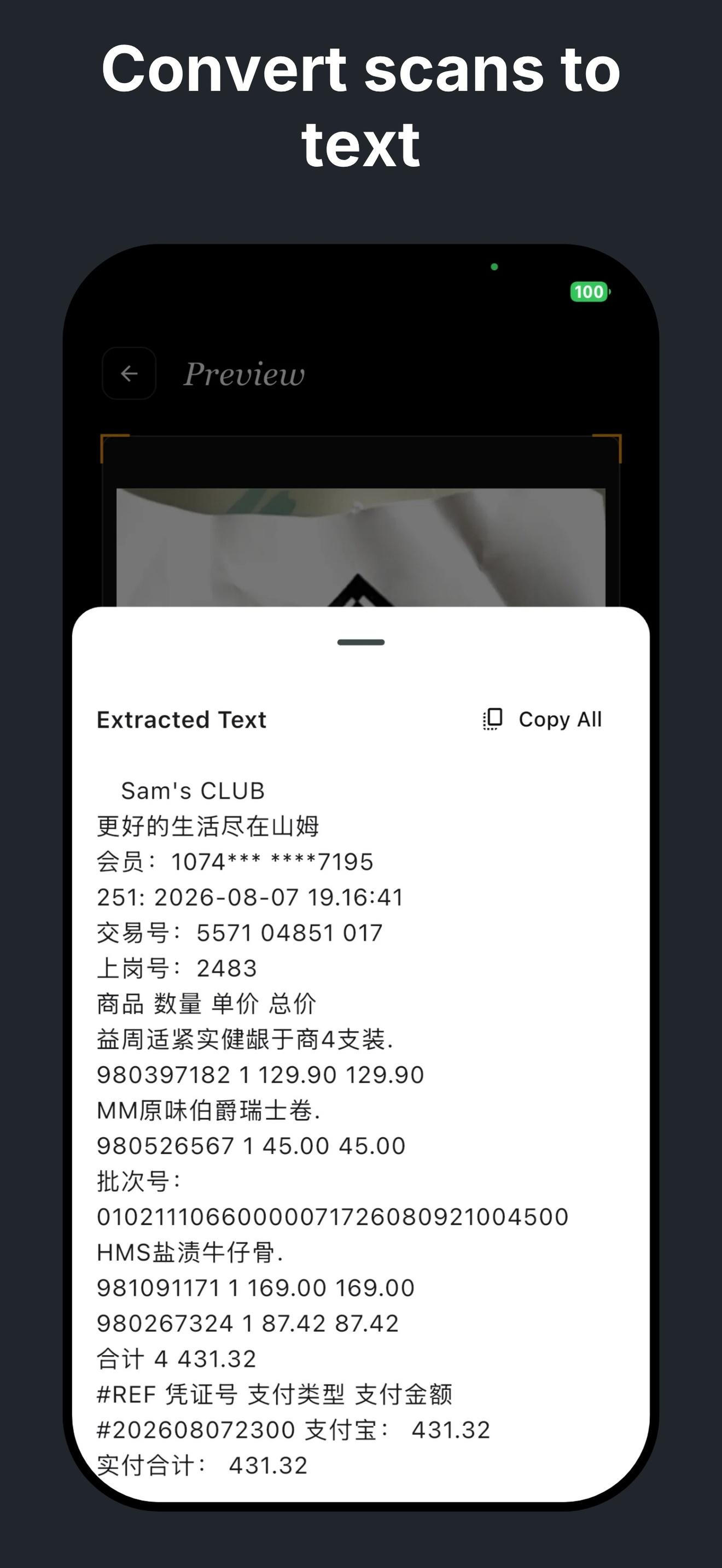
On-device OCR
Make scanned text selectable and searchable. Free tier covers daily use; Pro unlocks unlimited OCR.
Learn more -
Multi-page PDF export
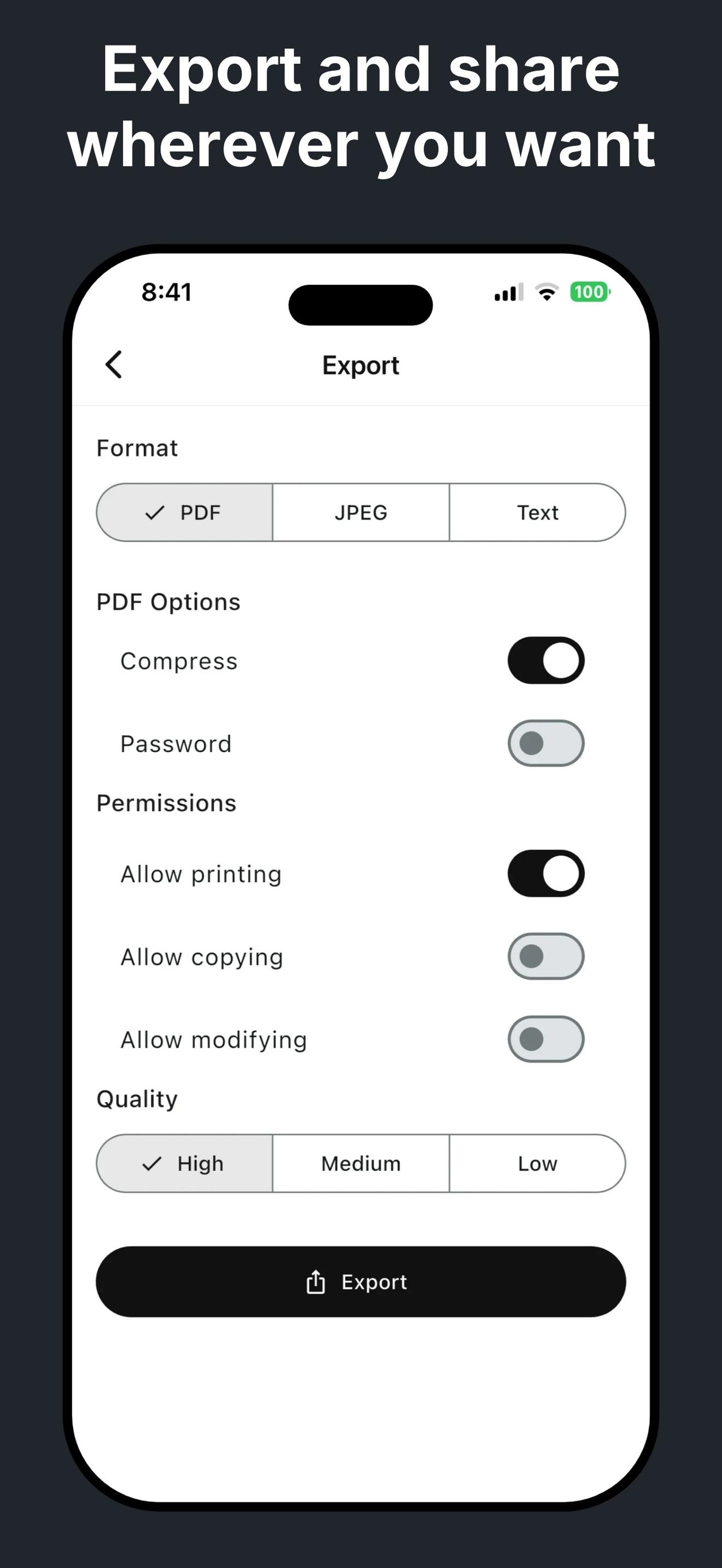
Merge scans into a single PDF, password-protect it, print or share in one tap.
Learn more -
Conflict-free cloud sync
Optional sync to your own Google Drive or iCloud. Nothing passes through our servers.
Learn more -
Paper Scanner Pro
Three upgrades for power users: unlimited OCR, ad-free, and automatic cloud sync.
Learn more
Built for everyday moments
-
At the office
Sign a contract on paper, scan it, email the PDF — done before the meeting ends.
-
On the road
Snap a receipt the moment you get it. No more shoeboxes of paper at tax time.
-
In the classroom
Capture every handout and whiteboard before you leave the room. Search them later by keyword.
-
At home
Keep warranties, manuals, and IDs one tap away. Share them when a service agent asks.
From paper to PDF in three taps
Designed for one-handed capture, no account required.
- 01
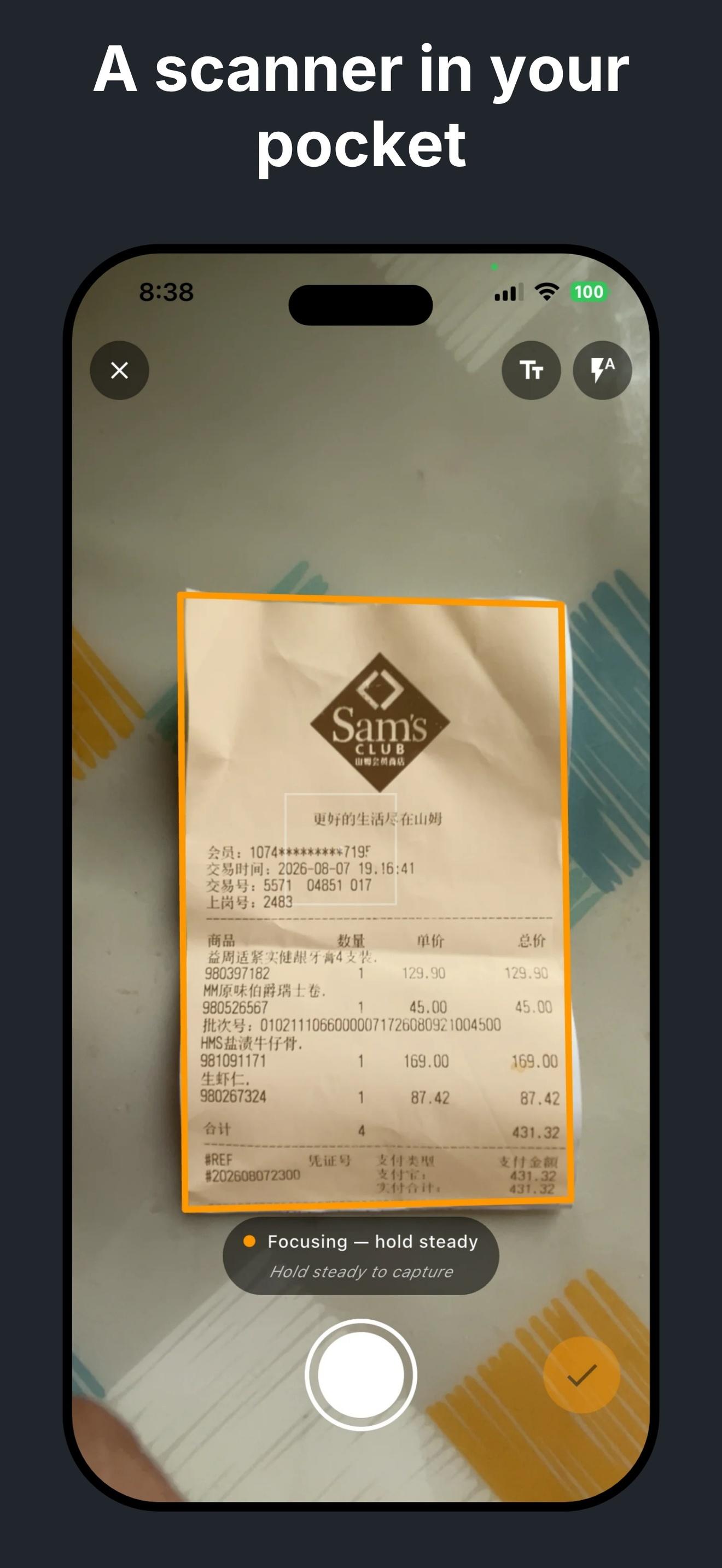
Aim and capture
Hold the phone above the page. The ultra-wide lens fits A3.
- 02
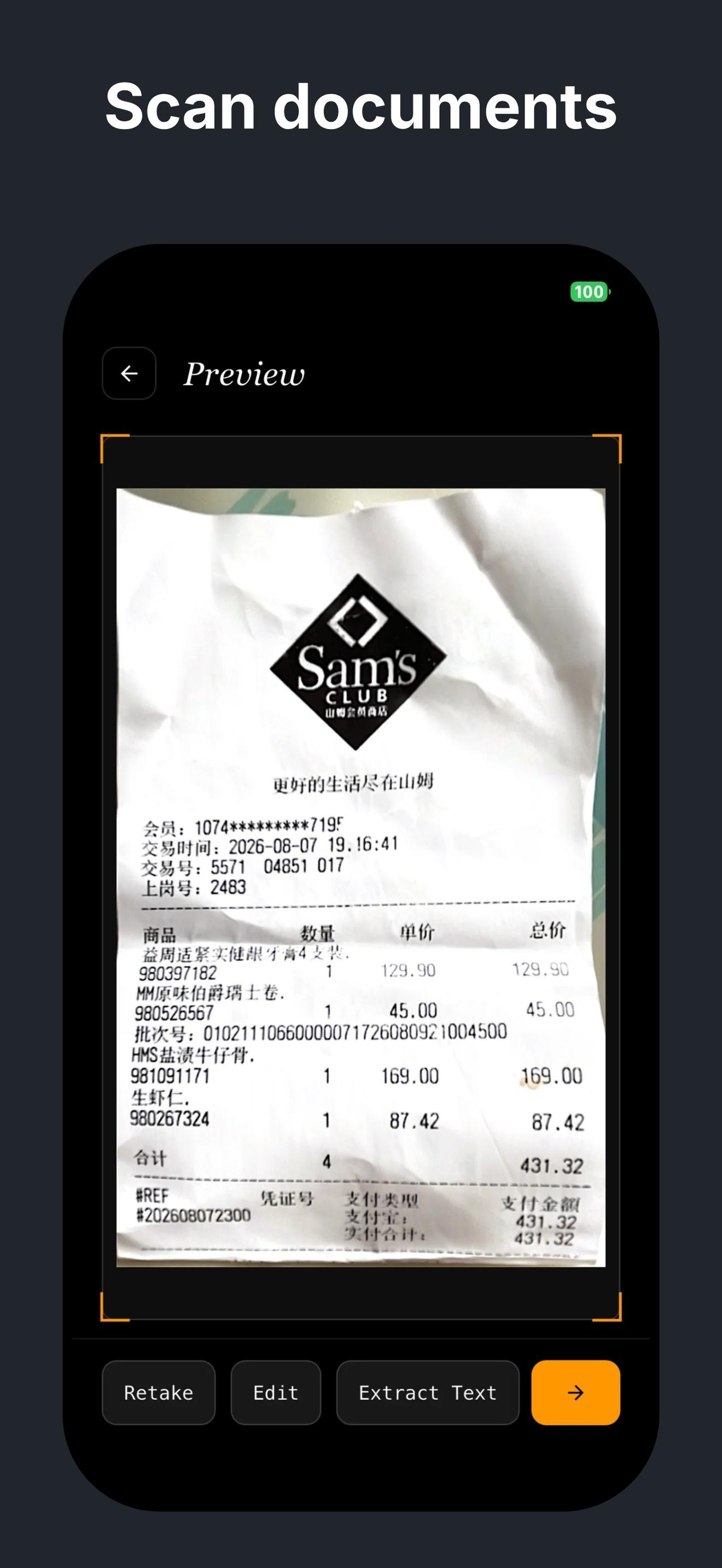
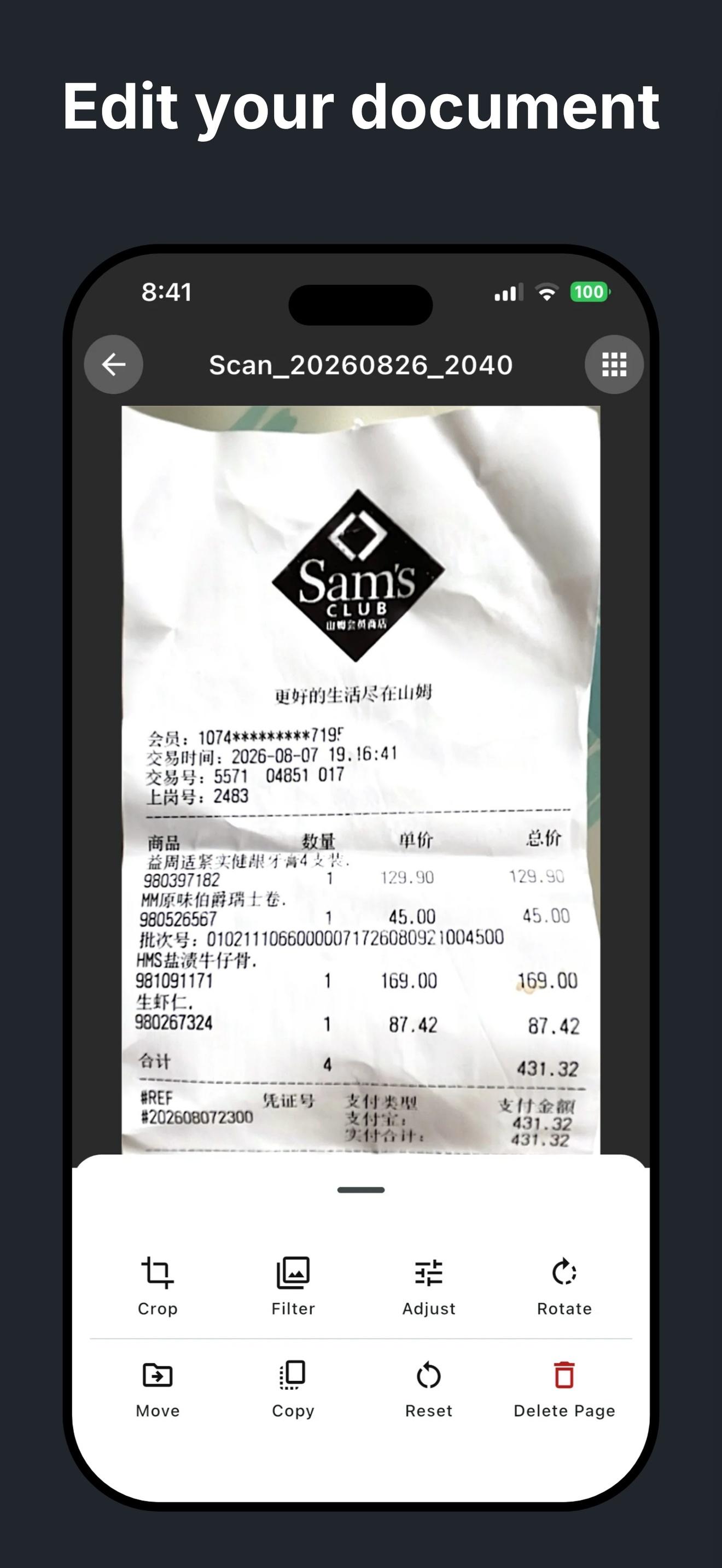
Pick a filter
Six GPU filters preview instantly with no upload.
- 03
Export or sync
Save as multi-page PDF, share, or sync to your own cloud.
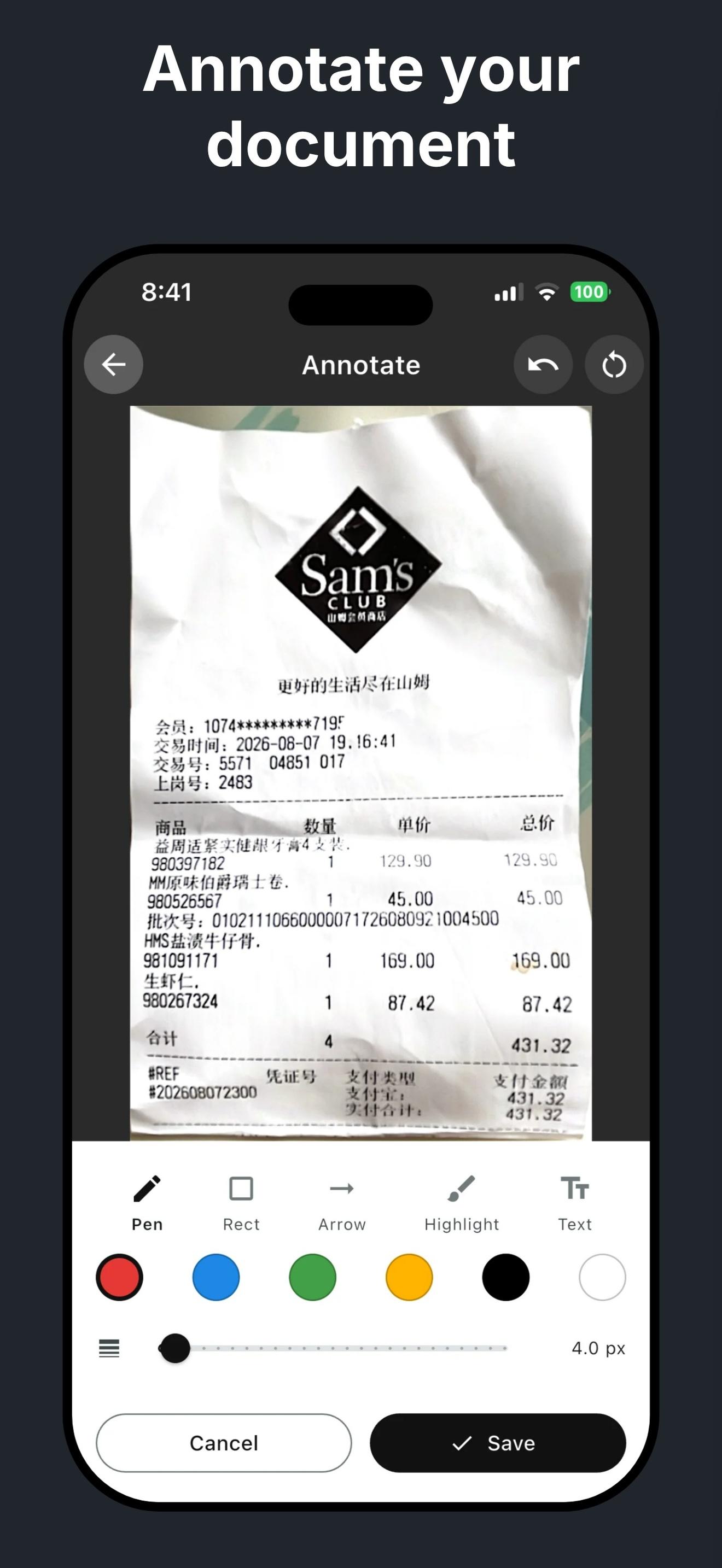
Inside the app
Frequently asked questions
Does scanning use the cloud?
No. Paper Scanner processes scans, filters, and OCR entirely on-device by default. Cloud sync to Google Drive or iCloud is opt-in and only mirrors files to your own storage — nothing passes through our servers.
Do I need an account?
No. Install and start scanning. Everything stays on your phone. Cloud sync is just a mirror of your library to your own Google Drive or iCloud — we never see your documents.
How many pages can I scan at once?
There is no hard limit. Capture hundreds of pages in a row, merge them into a single PDF, and share it in one tap.
Can I password-protect a PDF?
Yes. When exporting a multi-page PDF, you can set an open password — recipients must enter it before they can view the file.
What's the ultra-wide lens actually useful for?
Capturing full A3 handouts, whiteboards, menus, or bound multi-page documents without standing up and stepping back from the table. The wider field of view keeps everything in frame.
How accurate is OCR? Does it handle Chinese?
Accuracy depends on print quality and lighting. Printed documents, receipts, contracts, and books all perform well. The free tier includes per-document OCR with a daily limit; Pro unlocks unlimited OCR across your whole library.
How do I report a problem?
Use Settings → Send Feedback inside the app, or email nhsoft.lsd@gmail.com.